Teachers teach. The system does the rest.
One system for training centres and tutors: enrolment, payments, Zoom lessons, attendance, recordings, assessment and certificates — all in one place. Installed on your own name, logo and domain.
Book an intro call→
See it running→
No commitment · We look at how you work today and come back with something specific
Excel
Messenger
Drive
One system
ON YOUR OWN DOMAIN
10
core modules
500+
automated tests
3
notification channels
2
payment methods
24/7
AI assistant
Not a staged demo —a live system.
We run this system ourselves at gmath.mn every day. So we know what works and what doesn't from use, not from theory.
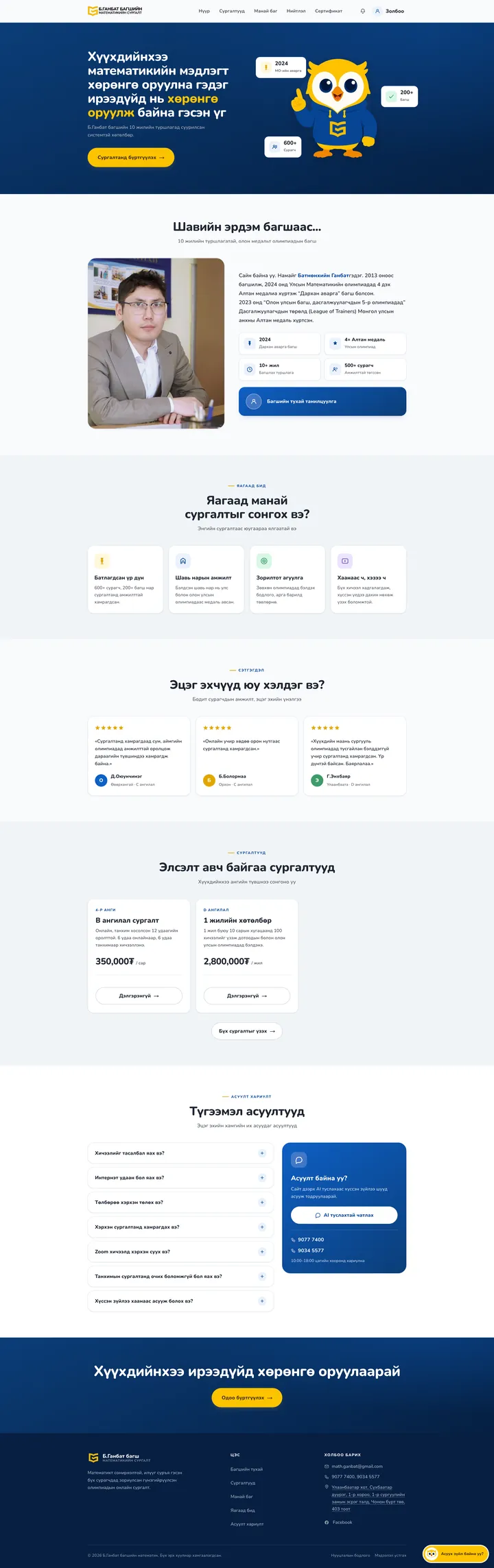
A mathematics training centre runs its daily enrolment, payments, lessons and exams through it. You would get the same system — under your own name and colours.
✓ Installed with your own name, logo, colours and domain✓ Enrolment, payments, lessons and the AI assistant on one site✓ A flow parents and students understand without instructions
See it on gmath.mn→
Work scattered across Excel, Messenger and Drive,in one place.
The problem is not a shortage of tools — it is that none of them talk to each other.
BEFORE Who paid is tracked by hand in Excel and reconciled against bank statements.
WITH THE SYSTEM QPay payments register instantly, and bank transfers are confirmed with one click. Balances calculate themselves.
BEFORE Teachers write attendance on paper, then copy it in later.
WITH THE SYSTEM The system records who joined the Zoom lesson, when, and for how long.
BEFORE A Drive link posted in the group means people who never paid can watch too.
WITH THE SYSTEM Recordings play only for actively enrolled students, over expiring protected links.
BEFORE Students send photos of their work to Messenger, where nobody can find them again.
WITH THE SYSTEM Each solution is stored against its problem, and teachers add marks and notes. Parents see it from their profile.
BEFORE Certificates are typed one by one in Word, with numbers kept in someone's head.
WITH THE SYSTEM Numbering continues automatically, and third parties verify a certificate online by its number.
Training centres Enrolment, payment oversight, multiple teacher roles, attendance, reportsPrivate tutors Schedule, Zoom, recordings, collecting payment, certificatesOlympiad clubs Problem bank, tests, marking solutions, placementLanguage and skills courses Course bundles, recorded courses, issuing certificates
Ten modules. Switch on what you need.
All of them run in a real training centre today. Most centres start with enrolment, payments and scheduling, and add the rest later.
Lessons
Payments
Students
Assessment
Teachers
Messaging
AI assistant
Certificates
Marketing
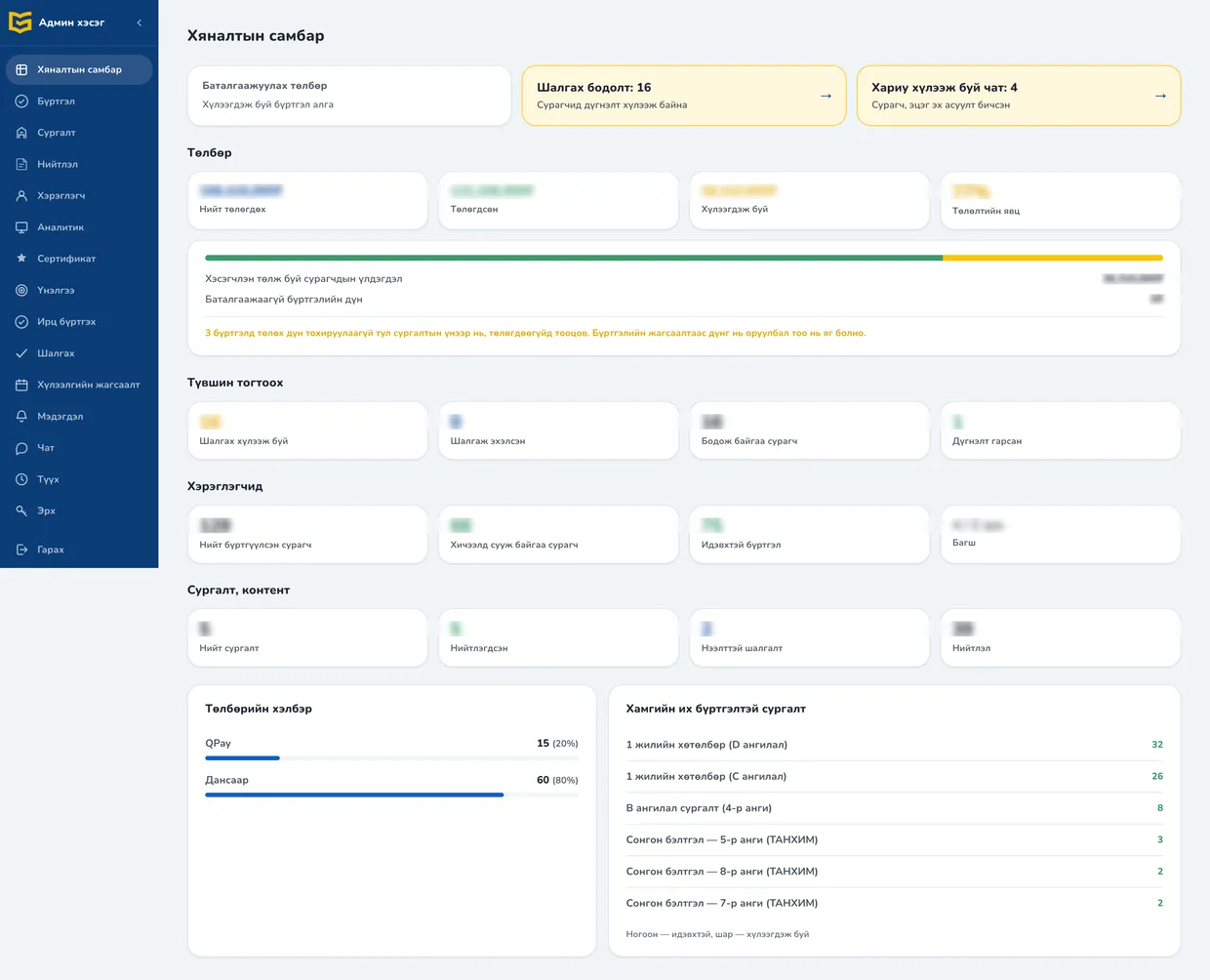
Dashboard
01
Schedule, Zoom and recordings
02
QPay, bank transfer, split payments
03
The student's own profile
04
Placement tests and marking
05
Scoped teacher permissions
06
Broadcasts and reminders
07
AI chatbot on the web and Messenger
08
Issuing and verification
09
Content and demand capture
10
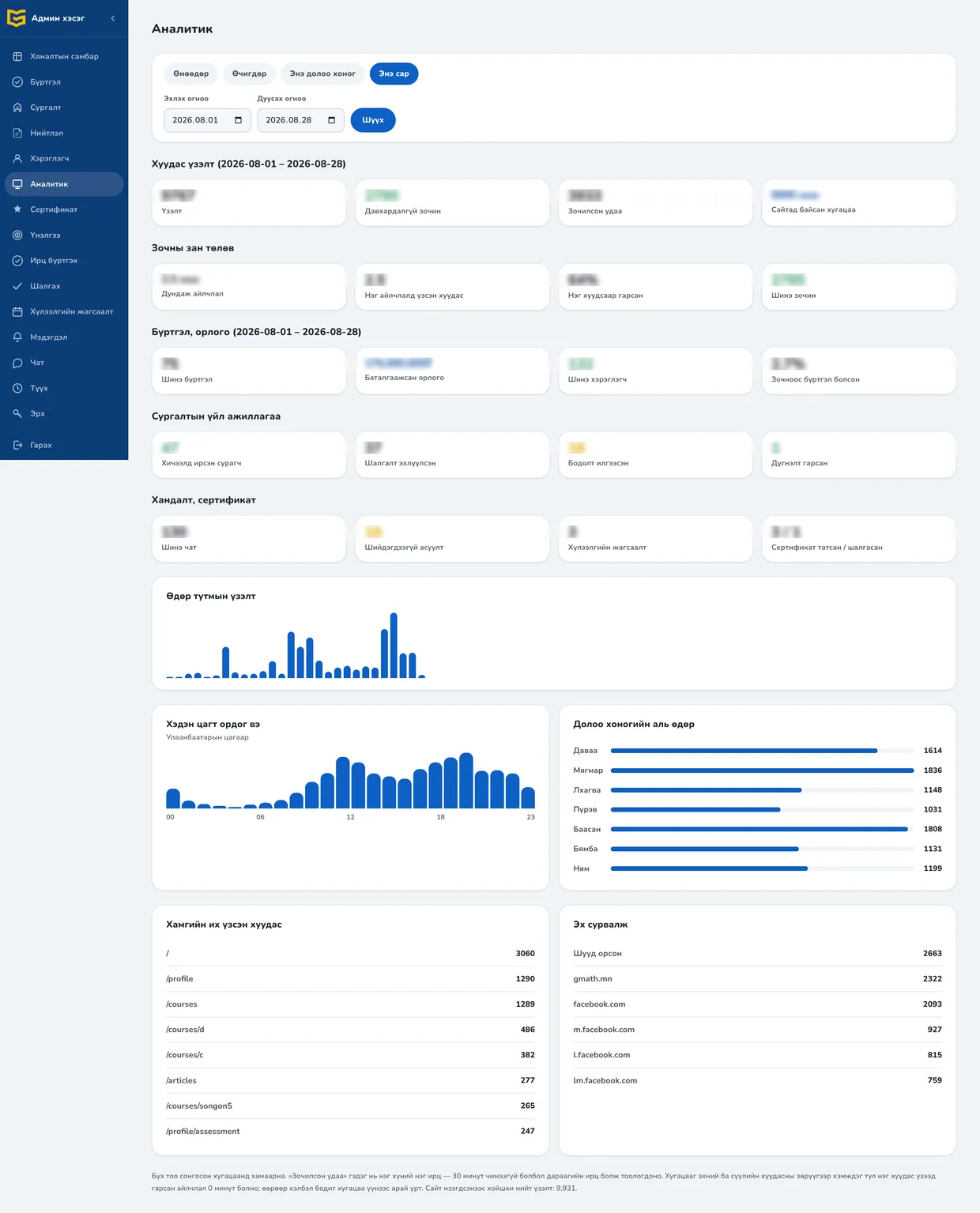
Control panel and analytics
What foreign LMS platforms do not support,built in from the start.
₮ QPAY
Mongolian payments
Take payment through QPay and confirm bank transfers with one click. Amounts and references all in Mongolian.
MN CYRILLIC
Entirely in Mongolian
Every visible string is correct Cyrillic. Name, school and province lists are fitted to Mongolia.
FB · ZOOM
Fits existing habits
Facebook groups, Messenger and Zoom — it connects to what parents already use rather than asking them to switch.
90% MOBILE
Built for the phone
90% of parents arrive on a phone. Enrolment, payment and photo upload were all tested on mobile first.
A system holding money and children's data — so here is the evidence.
Recording protection
The server checks entitlement and issues a signed, expiring link — knowing the link is not enough to open it.
Children's data
Personal data never reaches logs or error messages. Photos of student work are visible only to the student and their teacher.
Duplicate payments
An invoice is written once. Even if QPay responds twice, the amount is not counted twice.
Permission control
Admin, teacher and read-only levels. Forbidden actions are refused on the server, not just hidden.
Phone verification
Signing up sends a one-time code by SMS — no accounts on invented numbers.
Session protection
One account, one device; a new sign-in ends the previous one. Attempts are rate limited.
Every change is tested
Over 500 automated tests run against a real server and a real database on every deploy.
On your name, your colours,your domain.
01
Intro meeting
We map how you work today and what eats the most time.
02
Domain, colours, logo
Set up in your name and colours, hosted on your own domain.
03
Connections
QPay merchant, SMS, Zoom, Facebook page — all connected.
04
Loading your data
Courses, schedule, teacher permissions, student lists.
05
Training and support
We train admins and teachers, and work alongside you for the first months.
What people ask before they commit
Can we keep using our Zoom, Drive and YouTube?
+
Yes. Zoom rooms are created from the system and tied to the schedule. Existing Drive and YouTube recordings can be linked directly — or moved gradually to protected playback.
Will our teachers manage to learn a new system?
+
The teacher's screen shows only what they need: attendance, schedule, recordings, marking. During rollout we train admins and teachers, and work alongside you for the first months.
Does the money go straight into our account?
+
Yes — the QPay merchant and the bank account are yours. The system records and confirms payments; it never handles the money itself.
Do we have to take all ten modules?
+
No. Most centres start with enrolment, payments and scheduling. The rest are switched on when the need appears — nothing needs reinstalling.
Who owns the student data?
+
You do. You can export all student, payment and assessment data whenever you want. Personal data never reaches logs or error messages.
How is the price set?
+
It depends on the modules you switch on, student numbers and the connections you need. We work out your requirements at the first meeting and prepare a quote — the meeting is free.